Your iPhone is the pointer.
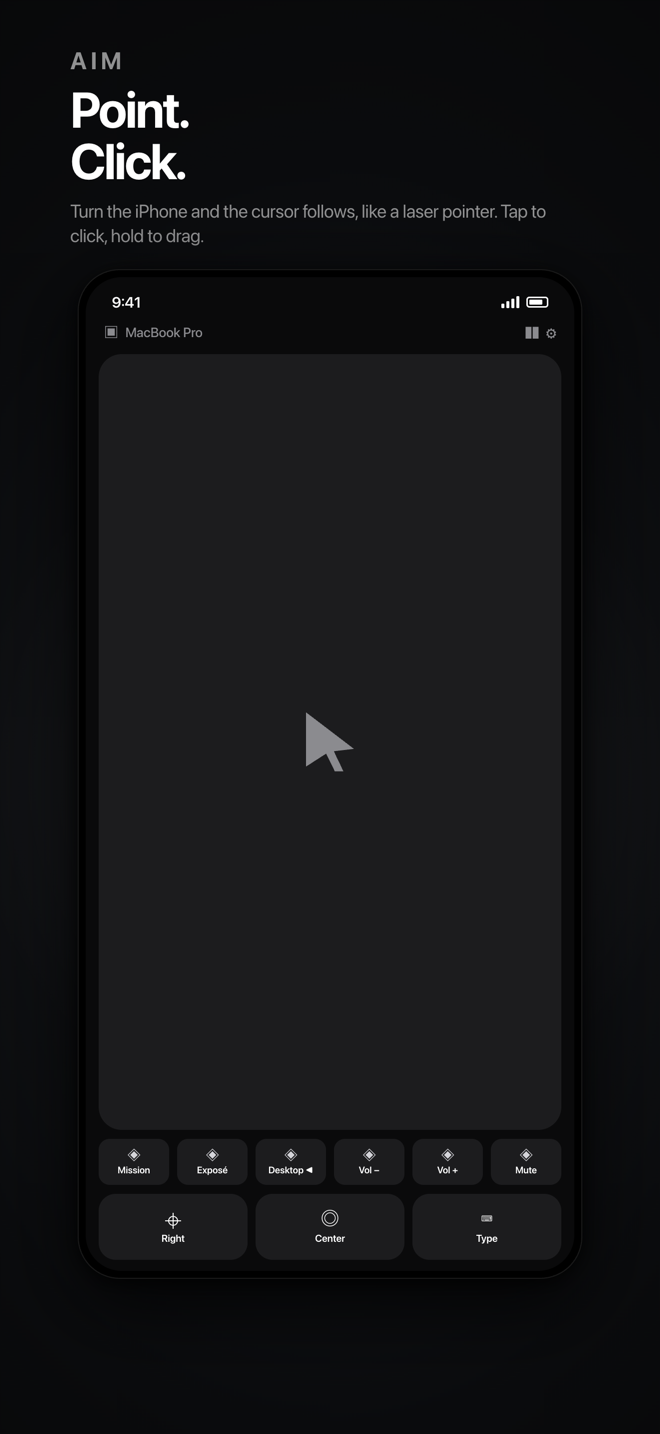
Point at the screen and the cursor follows, like a laser pointer. Tap to click, hold to drag, two fingers to scroll. Over Bluetooth, with no account and no cloud.
The companion app is free. macOS 14 or later, or Windows 10/11 with a Bluetooth LE adapter.
What it does
- Aim — point, click, drag, scroll.
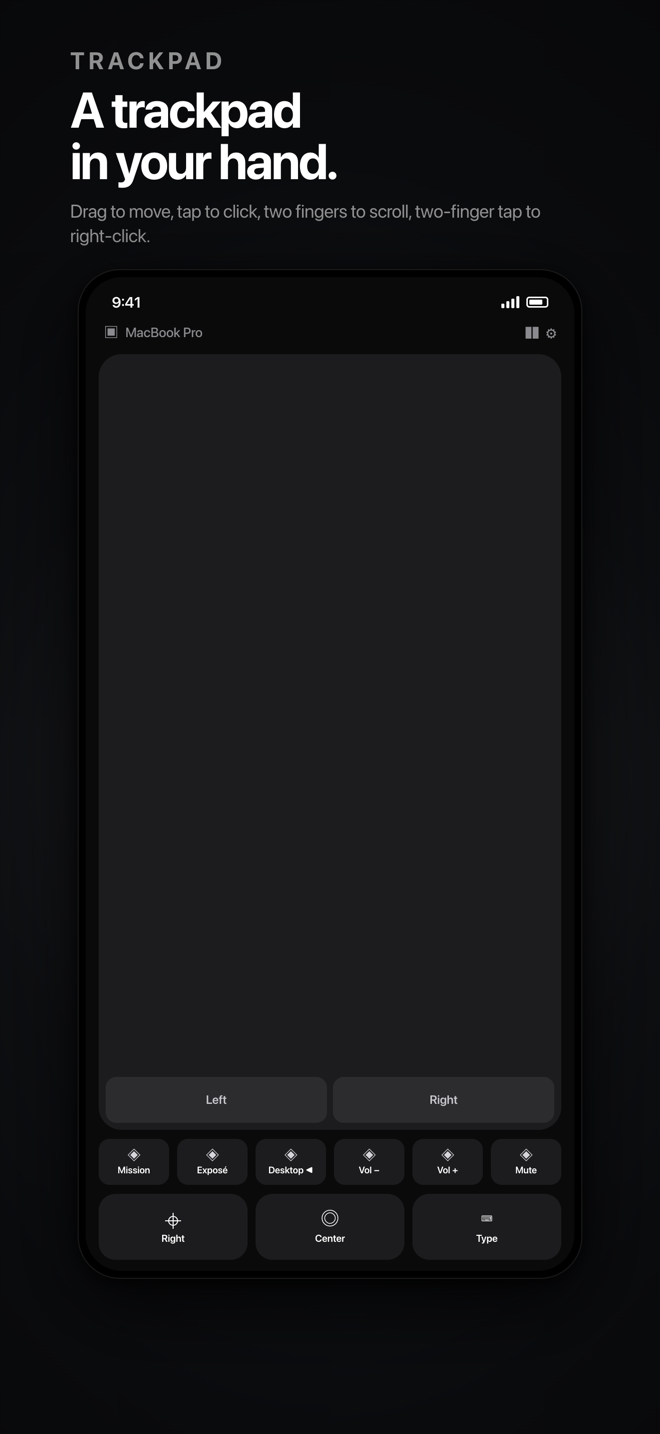
- Trackpad — relative movement, with dedicated Left and Right buttons.
- Keyboard — type on the computer, including esc, tab, arrows and modifiers; Mission Control, Task View, spaces and the app switcher.
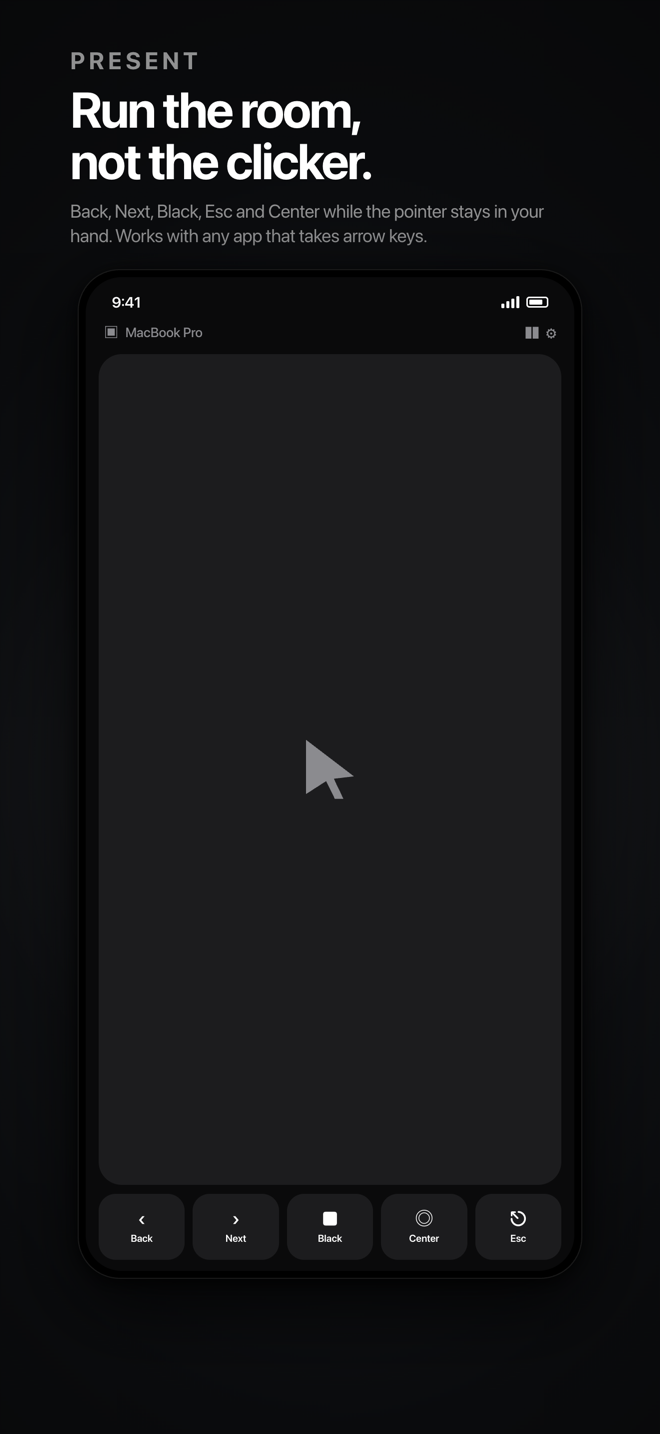
- Present — point at the slides like a laser pointer, with prev/next, black screen and Esc.
- Pause — it pauses when you reach for the computer's own mouse, and from the menu bar or tray.
- Several computers — pair them, rename them, pick the one to drive.
- No account, no cloud — everything travels directly over Bluetooth.
Requirements
iPhone with iOS 17 or later. A Mac with macOS 14 or later, or a PC with Windows 10/11 and a Bluetooth LE adapter. The companion app is a free download for both.
On the Mac, Air Pointer needs Bluetooth and Accessibility permissions. On Windows, the plain build needs a PC where the Bluetooth LE server can run; a few machines need the packaged (MSIX) build instead.
Common questions
The cursor doesn't move.
Accessibility permission is missing: System Settings › Privacy & Security › Accessibility › enable Air Pointer, then reopen the app.
Mission Control or spaces do nothing.
They are posted through System Events. The first time macOS asks “Air Pointer wants to control System Events”: allow it. If you denied it, re-enable it in System Settings › Privacy & Security › Automation.
It pauses by itself.
It pauses when you use the computer's own mouse or trackpad, and when the phone app goes to the background. Press Resume on the phone, in the menu bar, or in the notch island.
The phone must stay on.
iOS suspends motion updates in the background, so keep the app open with the screen on while you use it.